Unix Timestamp Converter
A Unix timestamp converter transforms Unix epoch timestamps into human-readable dates and times, and converts calendar dates back into Unix timestamps. Enter a timestamp or select a date in the panel to convert instantly. The current Unix timestamp is shown in real time.
What Is a Unix Timestamp?
A Unix timestamp (also called Unix time, POSIX time, or epoch time) is a way of representing a specific moment in time as a single integer: the number of seconds that have elapsed since the Unix epoch — 00:00:00 Coordinated Universal Time (UTC) on Thursday, January 1, 1970. The epoch itself has a Unix timestamp of 0. Every second that passes, the Unix timestamp increases by 1.
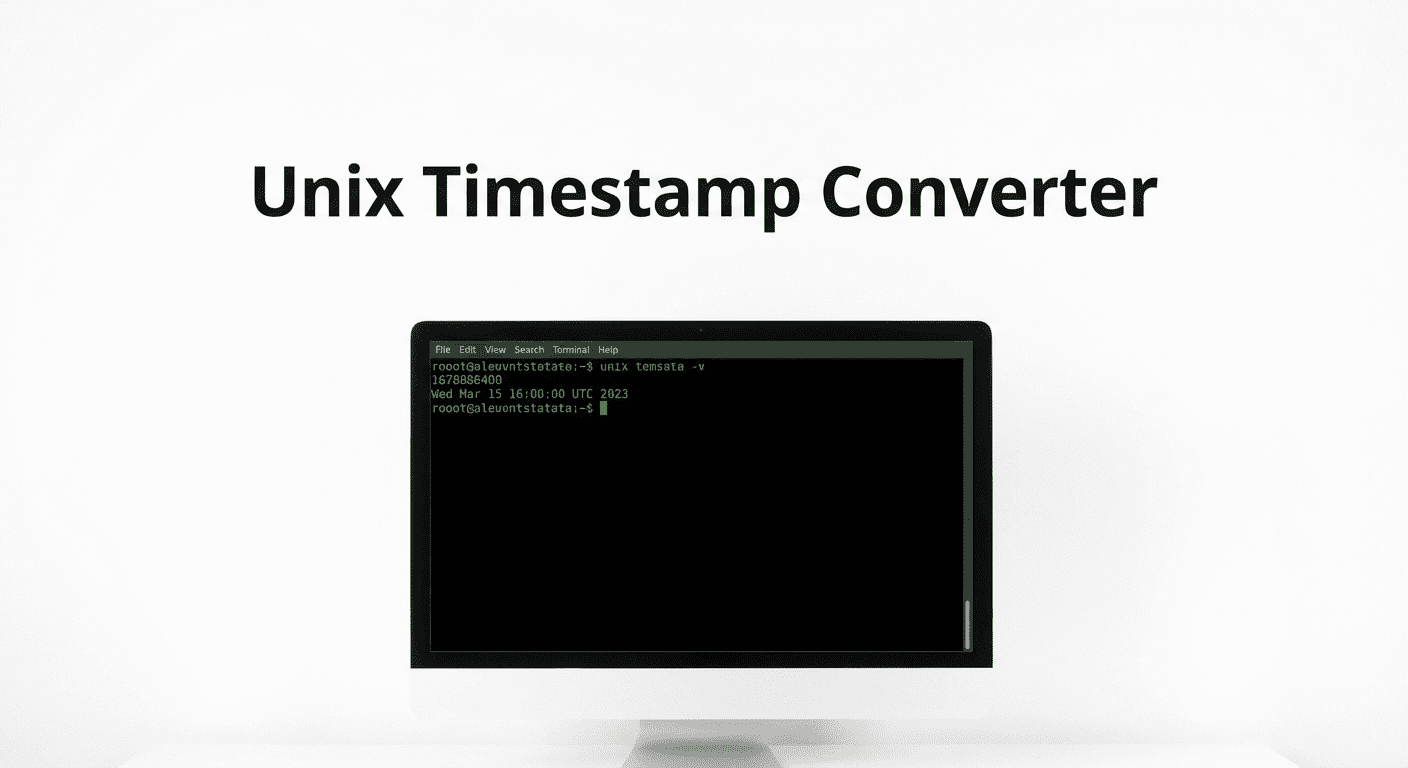
Unix timestamps are timezone-independent. The same second in time has exactly one Unix timestamp regardless of where in the world you are. This makes them ideal for storing and comparing times in databases, log files, APIs, and distributed systems. Most programming languages can retrieve the current Unix timestamp with a single function call. For programming tasks that involve working with timestamps, the AI Python code generator can generate datetime handling code on demand.
How Unix Time Works
The Epoch (January 1, 1970)
The Unix epoch was established by the original Unix developers at Bell Labs in the early 1970s. They chose January 1, 1970 as a convenient starting point — recent enough to avoid large numbers but safely before the first Unix installations. The exact time — midnight UTC on January 1, 1970 — is the reference point from which all Unix timestamps are measured. Dates before this point are represented by negative Unix timestamps. For example, December 31, 1969 at 23:59:59 UTC has a Unix timestamp of −1.

Seconds Since Epoch
Every Unix timestamp counts the total number of seconds elapsed since the epoch, not accounting for leap seconds. There are 86,400 seconds in a standard day (24 hours × 60 minutes × 60 seconds). Because leap seconds exist but are not counted by Unix time, there is a very slight discrepancy between Unix time and astronomical time, though this is invisible for most practical applications. The number grows continuously and never repeats. Because the count is always increasing, comparing two Unix timestamps tells you immediately which event happened first and how many seconds apart they were.
How to Convert Unix Timestamp to Date
To convert a Unix timestamp to a human-readable date, divide by 86,400 to find the number of days since January 1, 1970. Add those days to the epoch date to get the calendar date. For the time component, take the remainder after dividing by 86,400 and break it into hours (÷ 3600), minutes (÷ 60), and seconds. In practice, all programming languages have built-in functions that do this automatically. To account for a timezone, add or subtract the timezone offset in seconds before performing the conversion.
Example: Convert 1700000000 to a date (UTC)
1700000000 ÷ 86400 = 19675 days + 69200 seconds remainder
19675 days after Jan 1, 1970 = November 14, 2023
69200 s = 19h 13m 20s → Wednesday, November 14, 2023 19:13:20 UTC
How to Convert Date to Unix Timestamp
To convert a calendar date and time to a Unix timestamp, count the total number of seconds between your target date and January 1, 1970 00:00:00 UTC. Add up the seconds for all full years (accounting for leap years), all full months, all full days, hours, minutes, and seconds. If your date is in a local timezone rather than UTC, subtract the timezone offset (in seconds) from the result to get the UTC-based Unix timestamp.
For example, to convert January 1, 2024 at 00:00:00 UTC to a Unix timestamp: the result is 1704067200. This is the sum of all seconds from January 1, 1970 through December 31, 2023, which equals exactly 54 years of seconds. The converter above handles this calculation instantly for any date and timezone you choose. For related time-based conversions, the Julian date converter provides date code transformations used in manufacturing and logistics.
Unix Timestamp in Programming
JavaScript
// Current Unix timestamp (seconds)
const ts = Math.floor(Date.now() / 1000);

// Convert timestamp to Date
const date = new Date(ts * 1000);
console.log(date.toISOString());

// Convert Date to timestamp
const d = new Date('2024-01-01T00:00:00Z');
const timestamp = Math.floor(d.getTime() / 1000);
Python
import time
from datetime import datetime, timezone

# Current Unix timestamp
ts = int(time.time())

# Convert timestamp to datetime (UTC)
dt = datetime.fromtimestamp(ts, tz=timezone.utc)
print(dt.isoformat())

# Convert datetime to timestamp
dt2 = datetime(2024, 1, 1, tzinfo=timezone.utc)
timestamp = int(dt2.timestamp())
PHP
<?php
// Current Unix timestamp
$ts = time();

// Convert timestamp to readable date (UTC)
echo gmdate('Y-m-d H:i:s', $ts);

// Convert date string to timestamp
$timestamp = strtotime('2024-01-01 00:00:00 UTC');
echo $timestamp; // 1704067200
SQL
-- MySQL: Get current Unix timestamp
SELECT UNIX_TIMESTAMP();

-- Convert timestamp to datetime
SELECT FROM_UNIXTIME(1700000000);

-- Convert datetime to timestamp
SELECT UNIX_TIMESTAMP('2024-01-01 00:00:00');

-- PostgreSQL
SELECT EXTRACT(EPOCH FROM NOW())::INTEGER;
SELECT TO_TIMESTAMP(1700000000);
For generating timestamp-related code in other languages or frameworks, the AI JavaScript generator and AI API generator can produce ready-to-use timestamp handling code for your project.
Common Unix Timestamps
| Event | Date (UTC) | Unix Timestamp |
|---|---|---|
| Unix Epoch | Jan 1, 1970 00:00:00 | 0 |
| Y2K (Year 2000) | Jan 1, 2000 00:00:00 | 946684800 |
| iPhone 1 Launch | Jan 9, 2007 18:41:00 | 1168370460 |
| Start of 2020 | Jan 1, 2020 00:00:00 | 1577836800 |
| Start of 2024 | Jan 1, 2024 00:00:00 | 1704067200 |
| Start of 2025 | Jan 1, 2025 00:00:00 | 1735689600 |
| Start of 2026 | Jan 1, 2026 00:00:00 | 1767225600 |
| Y2038 Overflow (32-bit) | Jan 19, 2038 03:14:07 | 2147483647 |
| Start of 2100 | Jan 1, 2100 00:00:00 | 4102444800 |
The Year 2038 Problem
The Year 2038 problem (Y2K38 or the Unix Millennium Bug) is a software bug that will affect older systems storing Unix timestamps as 32-bit signed integers. A signed 32-bit integer has a maximum value of 2,147,483,647. This value corresponds to 03:14:07 UTC on Tuesday, January 19, 2038. One second after this moment, the stored integer will overflow and become a large negative number, which most systems will interpret as December 13, 1901.
The Y2038 problem affects systems running on 32-bit operating systems, older embedded systems (industrial controllers, network routers, medical devices), legacy database schemas, and some file systems that store timestamps in 32-bit fields. Modern 64-bit operating systems use 64-bit time_t values, which can represent dates up to approximately 292 billion years in the future, effectively solving the overflow problem. Migration from 32-bit to 64-bit systems and updating database schemas to use 64-bit integer timestamp columns or DATETIME types are the primary mitigations.
Unix Time vs Other Time Formats
ISO 8601
ISO 8601 is an international standard for representing dates and times as text strings. A complete ISO 8601 datetime looks like 2024-01-15T14:30:00Z (the Z indicates UTC). Unlike Unix timestamps, ISO 8601 strings are human-readable and self-explanatory but are larger in storage and require parsing. ISO 8601 also supports timezone offsets: 2024-01-15T09:30:00-05:00 represents 9:30 AM Eastern Standard Time. APIs commonly return ISO 8601 strings while databases may store Unix timestamps internally.
RFC 2822
RFC 2822 is the datetime format used in email headers. A typical RFC 2822 datetime looks like Mon, 15 Jan 2024 14:30:00 +0000. This format is verbose and includes the day of the week, month name in English, and timezone offset. JavaScript's Date.toString() and Date.toUTCString() methods return RFC 2822 compatible strings. For converting between date formats in other contexts, the time clock converter handles time unit conversions.
FAQ
What is epoch time?
Epoch time (also called Unix time or POSIX time) is the number of seconds elapsed since 00:00:00 UTC on January 1, 1970. It is a timezone-independent integer that increases by 1 every second. Epoch time is the standard method computers use internally to store and compare timestamps.
What is the current Unix timestamp?
The current Unix timestamp is displayed live in the converter panel above. It is the number of seconds that have passed since the Unix epoch. As of early 2026, the Unix timestamp is approximately 1,740,000,000. It increases by 1 every second and never repeats.
Why does Unix time start at 1970?
The Unix epoch of January 1, 1970 was chosen by Unix developers at Bell Labs as a convenient recent date that predated all Unix installations. It was an arbitrary but practical choice. Other operating systems use different epochs — Microsoft's FILETIME system, for example, counts 100-nanosecond intervals from January 1, 1601.
What is the Y2038 problem?
The Y2038 problem occurs because 32-bit systems store Unix timestamps as a signed 32-bit integer with a maximum of 2,147,483,647 (January 19, 2038 at 03:14:07 UTC). After this moment, 32-bit systems will overflow. Modern 64-bit systems are not affected and can store timestamps billions of years into the future.
How to get the Unix timestamp in JavaScript?
Use Math.floor(Date.now() / 1000) to get the current Unix timestamp in seconds. Date.now() returns milliseconds, so divide by 1000. To convert a Unix timestamp to a Date object: new Date(timestamp * 1000). To get the timestamp from an existing Date object: Math.floor(myDate.getTime() / 1000).