Generate CSS Code Instantly
Create modern CSS with flexbox, grid, animations, and responsive design
What is CSS Generator
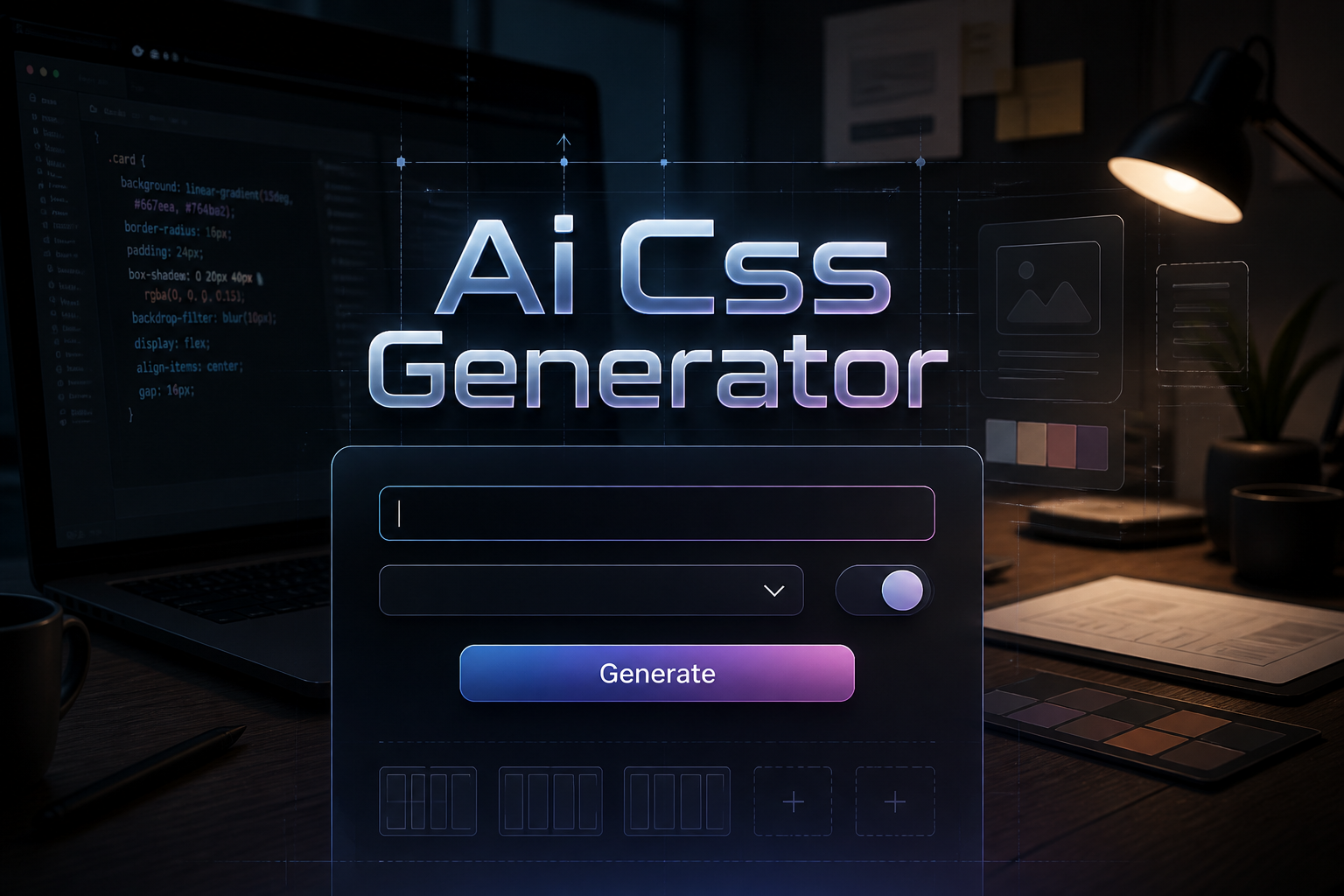
This tool generates clean, modern CSS code for layouts, animations, responsive design, and visual effects. Get browser-compatible CSS with proper vendor prefixes and fallbacks.
How to Use CSS Generator
Follow these simple steps to use the ai css generator:
1. Describe the styling you need
Describe the styling you need
2. Select CSS technique (Grid, Flexbox, etc
Select CSS technique (Grid, Flexbox, etc.)
3. Choose browser support level
Choose browser support level
4. Generate optimized CSS code
Generate optimized CSS code
5. Copy and use in your project
Copy and use in your project
Examples of Content Generated by CSS Generator
Here are some examples of what you can create with our tool: Explore our AI Responsive Generator for more specialized results.
Responsive navbar with mobile menu
CSS Grid gallery layout
Smooth scroll animations
Card component with hover effects
Styled HTML tables with striped rows, borders, and hover effects — try the dedicated CSS table styler for instant table CSS with a live preview.
Styled search bars with custom colors, border radius, and icon support — use the HTML search box generator to build a ready-to-use search form with matching CSS instantly.
Frequently Asked Questions
Does it support modern CSS features?
Yes, includes Flexbox, CSS Grid, custom properties, and modern selectors. Beautiful CSS needs a functional backend — pair your styles with server-side logic from our AI Python Code Generator.
Are vendor prefixes included?
Yes, necessary vendor prefixes are added for browser compatibility.
Can it generate animations?
Yes, create keyframe animations, transitions, and transforms.
Is the CSS responsive?
Yes, you can generate mobile-first responsive CSS with media queries.
Does it include browser fallbacks?
Yes, when requested, the generator includes fallbacks for older browsers.