Bootstrap Generator
Create responsive Bootstrap UI components with clean code and best practices
What is Bootstrap Generator
This tool generates clean, responsive Bootstrap code for any UI component. Get properly structured HTML with Bootstrap classes and optional custom CSS for enhanced styling.
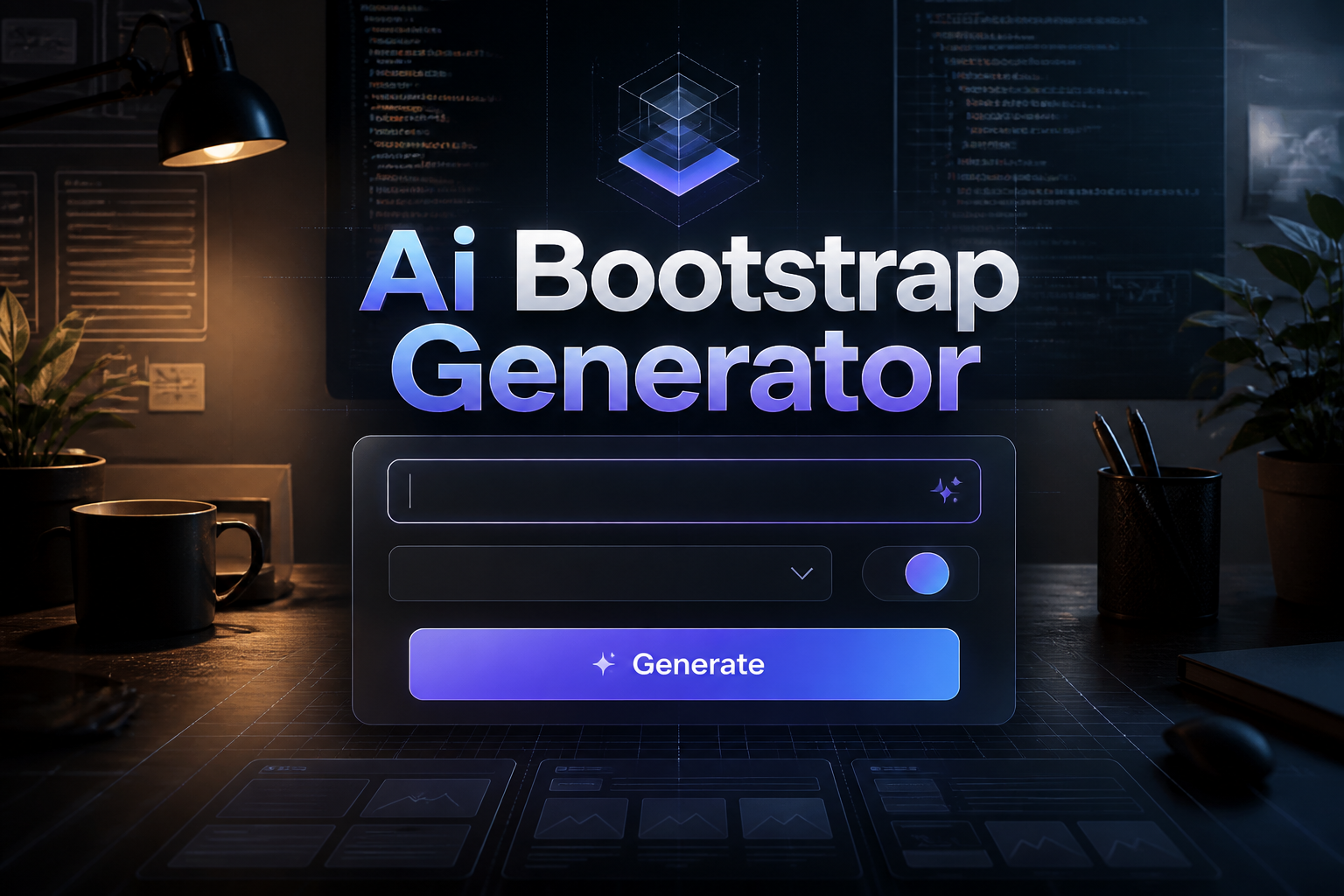
How to Use Bootstrap Generator
Follow these simple steps to use the ai bootstrap generator:
1. Describe the Bootstrap component you need
Describe the Bootstrap component you need
2. Select Bootstrap version (4 or 5)
Select Bootstrap version (4 or 5)
3. Choose a color theme if desired
Choose a color theme if desired
4. Generate the code with responsive classes
Generate the code with responsive classes
5. Copy and paste into your project
Copy and paste into your project
Examples of Content Generated by Bootstrap Generator
Here are some examples of what you can create with our tool:
Responsive navigation bar with mobile menu
Product card grid with hover effects
Contact form with validation styling
Pricing table with featured column
Frequently Asked Questions
Does it support Bootstrap 5?
Yes, you can generate code for both Bootstrap 4 and Bootstrap 5. Bootstrap layouts need backend logic to function — generate the server-side code with our AI Python Code Generator.
Are the components mobile-responsive?
Yes, all generated components use Bootstrap's responsive grid system and utilities.
Can I customize the colors?
Yes, choose from Bootstrap's color themes or add custom CSS for specific styling.
Does it include JavaScript functionality?
Yes, components requiring JavaScript include the necessary Bootstrap JS code.
Can I generate complex layouts?
Yes, you can generate complex multi-column layouts, modals, carousels, and more.