Download Speed Calculator
A download speed calculator estimates how long it will take to download a file based on your internet connection speed. Enter your file size and internet speed in the panel to instantly see the estimated download time in hours, minutes, and seconds.
Downloads 25 MB from Cloudflare servers to measure your real-time speed. No data is stored.
What Is a Download Speed Calculator?
A download speed calculator is a tool that takes two inputs — file size and internet connection speed — and tells you exactly how many hours, minutes, and seconds it will take to transfer that file to your device. It applies a straightforward formula: time equals the total number of bits in the file divided by the number of bits transferred per second. The result accounts for different units like megabytes, gigabytes, terabytes, megabits per second, kilobits per second, and gigabits per second, converting everything into a single consistent answer.
Knowing download time in advance is useful for planning large downloads such as operating system updates, game installations, video files, or database backups. You can also use it to estimate whether your current internet plan is fast enough for a specific task, or to compare what your download time would be at different speed tiers.
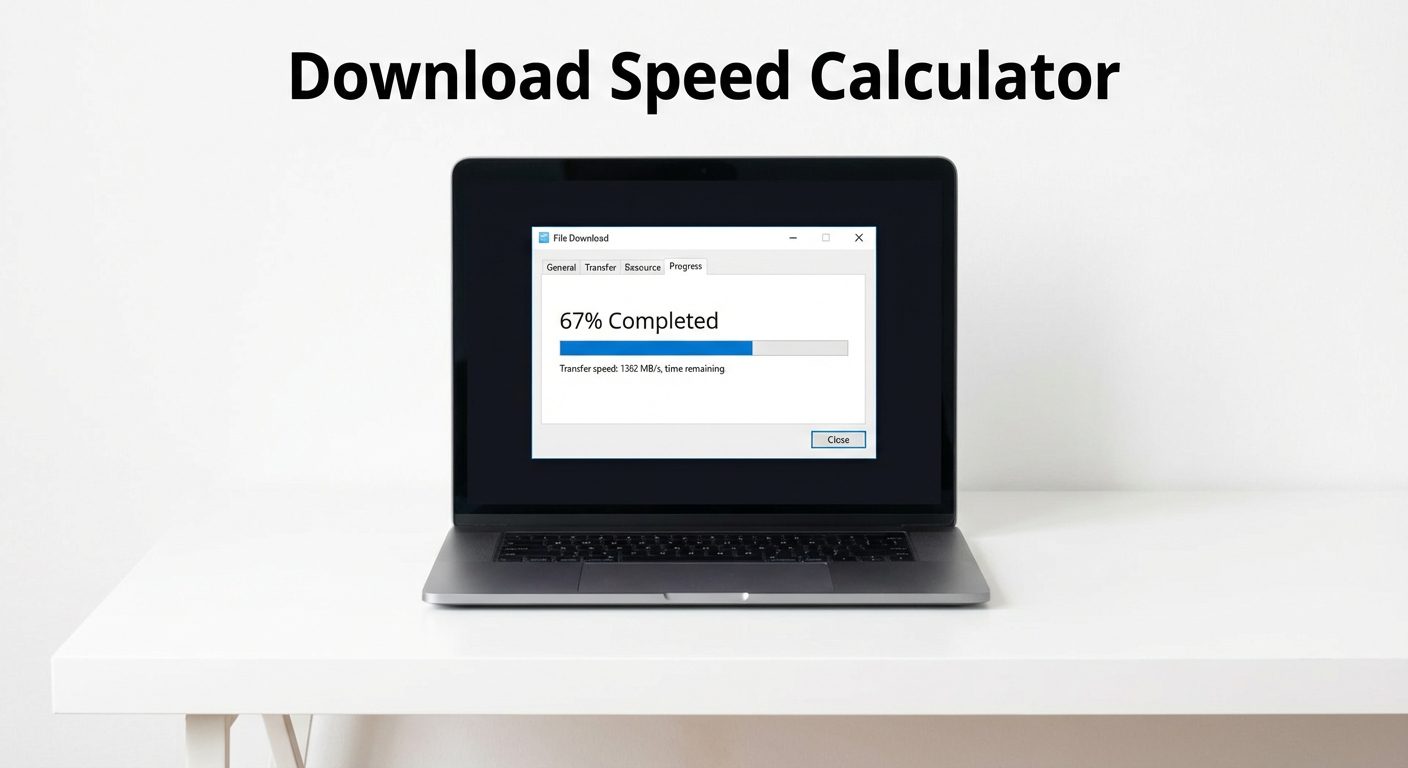
How Download Speed Is Measured
Bits vs Bytes
The most common source of confusion when calculating download times is the difference between bits and bytes. File sizes are measured in bytes (B, KB, MB, GB, TB), while internet speeds are measured in bits per second (Kbps, Mbps, Gbps). There are 8 bits in every byte. This means a 1 gigabyte file contains 8 gigabits of data. If you have a 100 Mbps connection, you are receiving 100 megabits — or 12.5 megabytes — every second.
Mbps vs MBps
Mbps (megabits per second) is what internet service providers advertise. MBps (megabytes per second) is what you typically see in download managers and file transfer applications. To convert: divide your Mbps speed by 8 to get MBps. A 200 Mbps plan delivers approximately 25 MBps of actual file transfer speed, which means a 25 gigabyte file would take approximately 17 minutes under ideal conditions.
How to Use This Calculator
Enter your file size and select the unit (MB, GB, or TB). Then enter your download speed as shown in your internet plan or as measured by a speed test, and select the unit (Mbps, Kbps, or Gbps). Click Calculate Time and the result appears instantly as a breakdown in hours, minutes, and seconds. If you want a more detailed explanation, use the AI option and ask follow-up questions in the chat panel.
For the most accurate result, use your actual measured speed rather than your plan's advertised maximum. You can test your internet speed for free at Speedtest.net before running the calculation.
Common Download Times by File Size
| File Size | 10 Mbps | 25 Mbps | 50 Mbps | 100 Mbps | 1 Gbps |
|---|---|---|---|---|---|
| 1 GB | 13 min 39 sec | 5 min 28 sec | 2 min 44 sec | 1 min 22 sec | 8 sec |
| 5 GB | 1 hr 8 min | 27 min 21 sec | 13 min 41 sec | 6 min 50 sec | 41 sec |
| 25 GB | 5 hr 41 min | 2 hr 16 min | 1 hr 8 min | 34 min 8 sec | 3 min 25 sec |
| 50 GB | 11 hr 22 min | 4 hr 33 min | 2 hr 16 min | 1 hr 8 min | 6 min 50 sec |
| 100 GB | 22 hr 45 min | 9 hr 6 min | 4 hr 33 min | 2 hr 16 min | 13 min 41 sec |
Times are theoretical maximums at the stated speed with no overhead or congestion.
Average Internet Speeds in the US
According to global internet speed statistics, the United States average fixed broadband download speed exceeds 200 Mbps, though actual experienced speeds vary significantly by location, provider, and connection type.

By Connection Type
Fiber (FTTH)
Fastest and most consistent. Symmetrical upload and download speeds. Available in select urban and suburban areas.
Cable
Most common broadband type in the US. Speeds are shared among neighbors, which can cause slowdowns during peak hours.
DSL
Delivered over telephone lines. Slower than cable or fiber. Speed degrades with distance from the exchange.
Satellite
Available anywhere with a clear sky view. Latency is high. Low Earth Orbit satellites (Starlink) offer improved speeds compared to traditional geostationary services.
The FCC broadband speed standards define a minimum of 25 Mbps download / 3 Mbps upload for broadband service, though the FCC updated its benchmark to 100 Mbps / 20 Mbps in 2024 for fixed broadband.
How to Check Your Download Speed
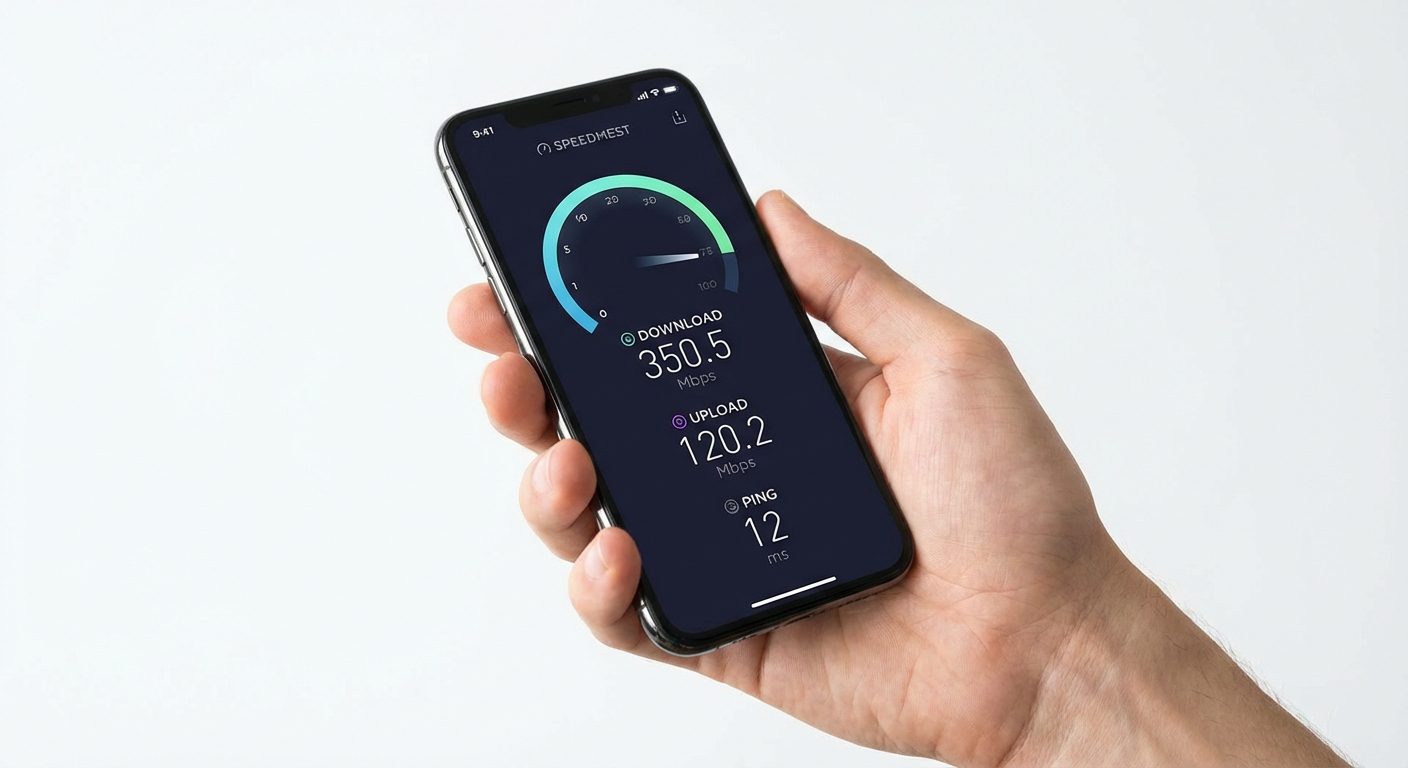
Your ISP's advertised speed is a maximum under ideal conditions. Your actual speed depends on the time of day, number of connected devices, router quality, and network congestion. To get an accurate measurement, run a speed test on a device connected directly to your router via ethernet cable. Free tools like Speedtest.net, Fast.com (Netflix), and Google's built-in speed test (search "internet speed test") provide reliable measurements.
For the most useful result, run the test multiple times at different times of day and use the average as your input for the download time calculator.
How to Improve Download Speed
Wired vs Wireless
A wired ethernet connection almost always outperforms Wi-Fi for both speed and stability. Wi-Fi signals are subject to interference from walls, appliances, neighboring networks, and distance from the router. For large downloads, connecting via ethernet can reduce download time by 20 to 50 percent compared to Wi-Fi on the same plan.
Router Placement and Optimization
Position your router in a central, elevated, open location away from microwaves, cordless phones, and thick walls. Use the 5 GHz band instead of 2.4 GHz for faster speeds at shorter distances. Restarting your router regularly clears cached data and can restore peak performance. If your home is large, a mesh network system provides better coverage than a single router.
Download Speed Calculator Examples
Example: Downloading a 4 GB Game on 50 Mbps
A 4 GB game file on a 50 Mbps connection takes approximately 11 minutes under ideal conditions. In practice, with protocol overhead and connection variability, expect 12 to 15 minutes.
Example: Downloading a 700 MB Movie on 25 Mbps
A 700 MB standard-definition movie file on a 25 Mbps connection downloads in under 4 minutes. The same file on a 10 Mbps connection would take about 9 minutes 20 seconds.
Frequently Asked Questions
Why is my actual download speed slower than my plan?
ISP speeds are theoretical maximums under ideal conditions. Real-world speeds are reduced by network congestion, Wi-Fi signal loss, server-side throttling, the number of devices sharing your connection, and TCP/IP overhead (typically 5 to 10 percent). The server you are downloading from also has its own upload speed limit, which can cap your download regardless of your connection speed.
What is a good download speed for everyday use?
For a single user doing general browsing and streaming, 25 Mbps is sufficient. For households with multiple simultaneous users streaming 4K video, gaming, and video calling, 200 Mbps or more is recommended. For large file downloads, cloud backups, or working from home with video conferencing, 100 Mbps is the practical minimum for a smooth experience.
Does upload speed affect download speed?
Indirectly, yes. In most home networks, upload and download bandwidth share the same connection. Heavy upload activity (such as video calls, cloud backup syncing, or seeding torrents) can reduce the bandwidth available for downloads. On asymmetric connections like cable and DSL, upload speeds are much lower than download speeds by design.
How long does it take to download 1 GB on 100 Mbps?
Using the formula: Time = (1024 MB x 8) / 100 Mbps = 8192 / 100 = 81.9 seconds, approximately 1 minute 22 seconds under ideal conditions. With typical overhead, expect closer to 1 minute 30 to 2 minutes in practice.