Free prompts for OpenAI models

OpenAI Prompt Generator

Generate powerful prompts for OpenAI models like ChatGPT, Codex, or Whisper, from your own idea or topic.

Pick a task and format to generate your OpenAI promptsPick a task and format
Task Type
Tone
Format
Audience
Language
Quick task types you can choose from

Online Tool for Creating OpenAI Prompts

prompts for OpenAI models from your own topic with the free OpenAI Prompt Generator: a writer and a developer planning ideas together at a shared desk

AIFreeforever's OpenAI prompt generator helps you create effective prompts for ChatGPT, GPT-4, and other OpenAI models. This tool transforms your ideas into well-structured prompts that get better results from AI models. You can customize the task type, tone, format, and target audience to match your specific needs.

The generator uses proven prompt engineering techniques to create prompts that work well with OpenAI models. Whether you need help with writing, coding, analysis, or creative projects, this tool helps you communicate clearly with AI systems. This AI prompt generator is completely free.

Each request gives you three prompts: a short one, an expanded one, and one for the OpenAI API with a system message and a user message. The tool itself runs on several AI models you can switch between and compare.

AIFreeForever writes the prompts you give OpenAI models. AIFreeForever is not affiliated with or endorsed by OpenAI.

WritingCode GenerationSummarizationExplanationQ&AAnalysisInstructional
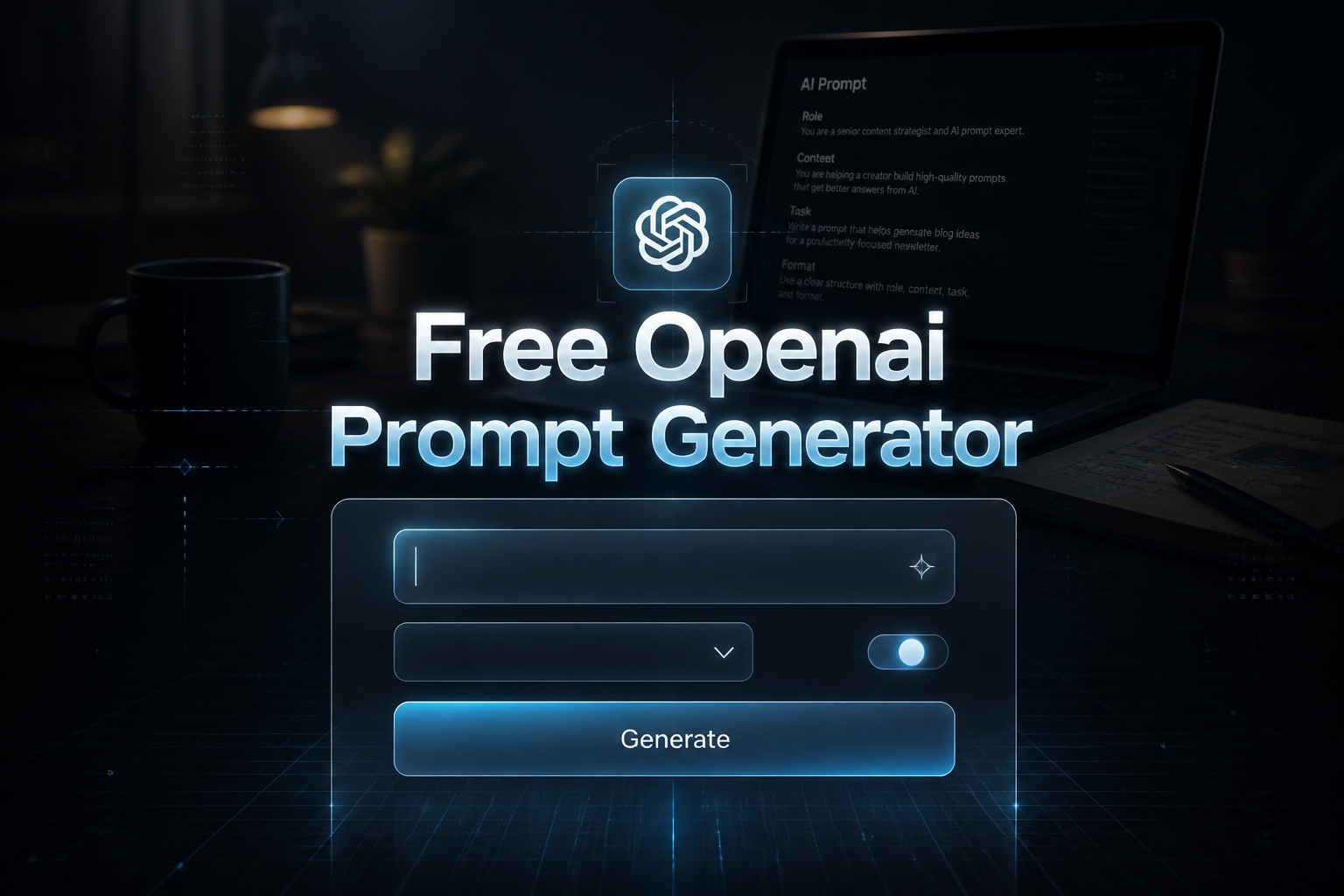
Centered sleek hero image with the title Free Openai Prompt Generator, a prompt idea input field, minimal dropdown and toggle, and a Generate button, set over a premium AI prompt generator interface with faint grid lines and a real-life writing scene.

How to Use the OpenAI Prompt Generator

  1. 1

    Enter Your Prompt Topic

    Describe your idea, task, or question that you want to turn into an optimized OpenAI prompt. Be specific about what you want to achieve.

  2. 2

    Choose Task Type

    Select Writing, Code Generation, Summarization, Explanation, Q&A, Analysis, Instructional, or define your own task type that matches your goal.

  3. 3

    Set the Tone

    Pick Friendly, Formal, Educational, Conversational, Neutral, Creative, or create your own tone that fits your project needs.

  4. 4

    Select Format

    Choose Paragraph, List, Step-by-Step, Table, JSON, Dialogue, or specify your own format for the AI response you want.

  5. 5

    Choose Audience

    Select Student, Developer, Child, Executive, General Reader, or define your own target audience to match the complexity level.

  6. 6

    Generate Your Prompt

    Click Generate to create 3 OpenAI prompts, then copy one directly into ChatGPT, GPT-4, or other OpenAI applications.

free openai prompt generator tool image
The OpenAI Prompt Guide for 2026

Free PDF with:

  • The parts of a strong prompt
  • An expanded prompt template
  • System and user messages for the API
  • JSON answers
  • The task types with examples
  • A checklist to fix a weak answer
Download free PDF

What is Prompt Engineering for OpenAI Models

Prompt engineering is the practice of creating effective instructions for AI models like ChatGPT and GPT-4. Good prompts help AI understand exactly what you want and provide better, more accurate responses. This involves using clear language, providing context, and structuring requests in ways that work well with AI systems.

Clear Instructions

Good prompts use specific, clear language that tells the AI exactly what you want. Avoid vague requests and include important details about the task.

Proper Context

Include background information and context that helps the AI understand your request better. This leads to more relevant and useful responses.

Format Specification

Tell the AI how you want the response formatted, whether as a list, paragraph, table, or other structure that works for your needs.

Audience Consideration

Specify who the response is for so the AI can adjust the complexity and language level appropriately for your target audience.

Benefits of Using Good OpenAI Prompts

Well-structured prompts help you get better results from OpenAI models like ChatGPT and GPT-4. Good prompt engineering saves time and improves the quality of AI responses for your projects. Try our AI Image Generators to see your prompts transformed into stunning visuals.

More Accurate Responses

Clear, well-structured prompts help AI models understand your request better and provide more accurate, relevant answers that match your needs.

the benefits of good prompts with the free OpenAI Prompt Generator: a relaxed woman finishing her work early, smiling with a cup of tea by a window

Who Can Use This OpenAI Prompt Generator

This tool works well for anyone who uses OpenAI models like ChatGPT or GPT-4 for work, study, or creative projects. Students, developers, writers, and business professionals can all benefit from creating better prompts for their AI interactions.

Students and Researchers

Generate prompts for research, essay writing, learning assistance, and academic projects that require AI help with analysis or writing.

Developers and Programmers

Create code generation prompts, debugging assistance, and technical documentation requests for programming projects and software development.

Content Creators and Writers

Develop writing prompts for blogs, articles, social media content, and creative projects that need AI assistance with content creation.

Business Professionals

Generate prompts for analysis, summaries, presentations, and strategic planning tasks that benefit from AI assistance and automation.

students, developers, writers and professionals using the free OpenAI Prompt Generator: four people working together around a library table

Common Types of OpenAI Prompts

Different types of prompts work better for different tasks. Understanding these categories helps you choose the right approach for your specific needs when working with OpenAI models.

L1

Writing and Content Creation Prompts

Create text content, stories, articles, or creative writing with focus on expression and engagement. These prompts help with blog posts, marketing copy, and creative projects.

Example prompt "Write a 600-word blog post for small business owners about why a simple website still matters. Use a friendly, conversational tone, three short headings, and one real-world example per heading. End with a two-line call to action."

L2

Code Generation and Programming Prompts

Generate code, scripts, or programming solutions with emphasis on functionality and best practices. Useful for software development and technical problem-solving.

Example prompt "You are a senior Python developer. Write a function that reads a CSV file of orders and returns the total sales per month as a dictionary. Use only the standard library, add type hints and comments, and handle a missing file. Then explain the code in three sentences."

L3

Analysis and Explanation Prompts

Analyze data, text, or situations to provide insights and evidence-based conclusions. Good for research, business analysis, and educational content.

Example prompt "Analyze the customer reviews I paste below. Group the comments into themes, count how many reviews mention each theme, and give the three changes that would help most. Present the themes as a table, then a short summary for an executive."

L4

Question and Answer Prompts

Structure for comprehensive, accurate responses to questions and information requests. Helpful for customer service, education, and knowledge sharing.

Example prompt "Answer this question for a 10-year-old: why do volcanoes erupt? Use simple words, one everyday comparison, and no more than 120 words. Then give two follow-up questions a curious child might ask, with short answers."

ChatGPT prompt vs OpenAI API prompt

In ChatGPT, you type one message. Through the OpenAI API, a developer sends a system message that sets the rules and a user message with the request. The third prompt in every set is written this way, so you can use it in your own app or a custom GPT.

  • ChatGPT prompt: One message you paste into the chat window.
  • API prompt: A system message with the rules and the answer's format, then the user's request.
ChatGPT prompt

You: Summarize the meeting notes I paste below in 5 bullet points for my manager. Start with the decisions, then the open questions, and keep each bullet under 20 words.

API prompt

System: You are an assistant that summarizes meeting notes for busy managers. Always answer in JSON with the keys "decisions", "open_questions" and "next_steps", each a list of short strings. Never add facts that are not in the notes.

User: Summarize these meeting notes: [paste the notes here]

Tips for Better OpenAI Prompt Results

Creating effective prompts takes practice, but following these guidelines helps you get better results from OpenAI models. Good prompts save time and produce more useful responses.

01

Be Specific and Clear

Use clear, specific language that tells the AI exactly what you want. Avoid vague requests and include important details about the task and expected outcome.

02

Provide Context and Background

Include relevant context and background information when needed. This helps the AI understand your request better and provide more accurate responses.

03

Specify Format and Structure

Tell the AI how you want the response formatted, whether as a list, paragraph, table, or other structure that works for your needs.

04

Test and Improve Your Prompts

Test prompts with different phrasings and approaches. Iterate and refine based on AI responses to find what works best for your specific use cases.

testing and improving prompts with the free OpenAI Prompt Generator: a young man comparing two drafts on paper at a cafe table

Frequently Asked Questions

Simply copy the generated prompt and paste it into ChatGPT, GPT-4, or any OpenAI application. The prompts are ready to use and optimized for consistent results with OpenAI models.

WritingCode GenerationFriendlyFormalParagraphJSONStudentExecutive

Creating effective prompts is important for getting good results from OpenAI models like ChatGPT and GPT-4. This prompt generator helps you structure your requests properly and communicate clearly with AI systems. Whether you need help with writing, coding, or analysis, good prompts make AI tools more useful and productive.

Once you have your OpenAI prompts, you can enhance your AI workflow with our other tools. Try our AI general prompt generator for different AI models, or use our Python code generator for programming projects.

Create effective OpenAI prompts in seconds with our free AI tool!

Pick a task, a format and an audience, enter your topic, and get three prompts for ChatGPT and the OpenAI API.

Alternative free AI tools like OpenAI Prompt Generator