Google Schema Code Generator
Generate valid JSON-LD schema markup for Google Search. Supports Article, FAQ, Product, Local Business & more.
Free Google Schema Code Generator AI
Generate valid JSON-LD schema markup for Google Search. Supports Article, FAQ, Product, Local Business & more.
💡 Google Schema Guidelines
- • Place in <head>: Add JSON-LD schema to your page's <head> section
- • Match content: Ensure schema data matches what's visible on the page
- • Test regularly: Use Google's Rich Results Test to validate your schema
- • Keep updated: Update schema when content changes
- • Be specific: Use the most specific schema type available
Online Tool for Creating Schema Markup
Schema markup is structured data that helps Google understand your website content better. It tells search engines exactly what your content is about, which can lead to rich snippets, better search results, and more clicks from users. Without proper schema markup, your website might not show up as well in search results compared to competitors who use it.
AIfreeforever's Free Google Schema Code Generator AI makes it easy to create JSON-LD schema markup without any technical knowledge. Whether you're publishing articles, showcasing products, promoting events, or building FAQ pages, our AI creates schema that follows Google's latest guidelines and helps improve your search visibility.
Many website owners struggle with creating proper schema markup because it requires technical knowledge. Our AI-powered schema generator solves this problem by creating professional-quality markup that helps Google understand your content better. This can lead to rich snippets in search results and more visitors to your website. You can also use our HTML Table Generator to create structured content that works well with schema markup.
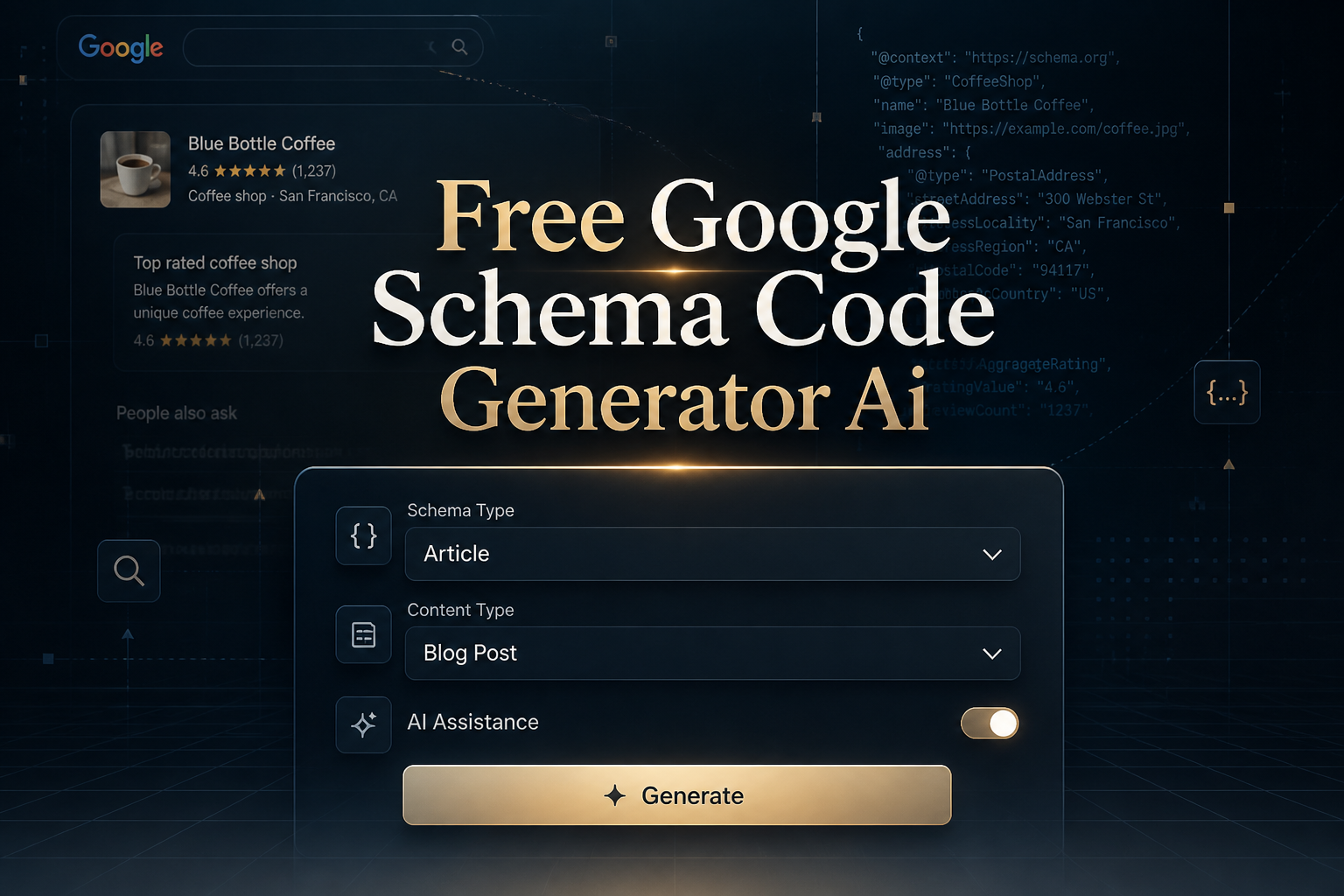
How to Use the Free Google Schema Code Generator AI

1. Choose Your Schema Type
Select from Article, Product, Local Business, Event, FAQ, Review, Person, Organization, How-To, Recipe, or Course to generate the appropriate schema markup.
2. Fill Required Information
Enter the specific details for your chosen schema type, such as article information, product details, or business data.
3. Configure Optional Features
Toggle options like review data, breadcrumbs, social profiles, and code minification based on your needs.
4. Generate and Implement
Click "Generate Schema Code" to create your JSON-LD markup, then copy and paste it into your website's <head> section.
5. Test and Validate
Use the provided Rich Results Test link to verify your schema works correctly with Google's validation tools.
Types of Schema Markup You Can Generate
Article Schema
Perfect for blog posts, news articles, and editorial content with author information and publication dates.
Product Schema
Showcase products with pricing, availability, brand information, and customer reviews.
Local Business Schema
Enhance local search visibility with business hours, contact information, and location details.
Event Schema
Promote events with dates, locations, ticket pricing, and venue information.
FAQ Schema
Create rich FAQ snippets that appear directly in search results with expandable answers. Need the FAQ content itself? Use the FAQ generator to create questions and answers with built-in schema markup included.
Review Schema
Display customer reviews and ratings directly in search results to build trust.
Person Schema
Create professional profiles with job titles, social media links, and biographical information.
Organization Schema
Establish your company's identity with logo, contact information, and social media profiles.
How-To Schema
Create step-by-step guides that appear as rich results with instructional snippets.
Recipe Schema
Showcase cooking recipes with ingredients, instructions, cooking times, and nutritional information.
Course Schema
Promote educational courses with provider information, pricing, and course details.
Advanced Schema Features
⭐ Review Integration
Add aggregate rating data to display star ratings in search results for better click-through rates. Schema markup helps search engines understand your content — generate more complex structured data code with our AI Python Code Generator.
🧭 Breadcrumb Navigation
Implement breadcrumb schema for better site navigation and improved search result formatting.
🔗 Social Profiles
Connect your content to social media profiles for improved brand recognition and authority.
🔧 Code Optimization
Choose between minified code for production or formatted code for development and debugging.
Benefits of Using Schema Markup
Enhanced Search Visibility
Schema markup helps Google understand your content better, leading to improved rankings and visibility.
Rich Snippets Display
Properly structured data enables rich snippets with star ratings, prices, and additional information.
Better Rankings
Google favors websites with proper schema markup, leading to better search rankings over time.
Increased Conversions
Rich snippets with ratings and detailed information help users make informed decisions.
Voice Search Optimization
Schema markup helps your content appear in voice search results and featured snippets.
Professional Appearance
Rich snippets make your search results look more professional and trustworthy.
Schema Implementation Best Practices
| Best Practice | Why It Matters | Implementation Tips |
|---|---|---|
| Place in <head> | Google finds and processes it easily | Add between <head> and </head> tags |
| Match visible content | Prevents penalties and improves trust | Ensure schema data reflects page content |
| Use specific types | Provides more detailed information | Choose the most specific schema type |
| Include all required properties | Ensures schema validity and effectiveness | Fill all required fields completely |
| Test regularly | Catches errors and ensures functionality | Use Google's Rich Results Test |
| Keep updated | Maintains accuracy and search trust | Update schema when content changes |
Perfect for Every Content Creator
📝 Bloggers & Content Creators
Enhance your articles with schema markup to improve search visibility and reader engagement.
🛒 eCommerce Store Owners
Showcase products with rich snippets including prices, reviews, and availability information.
🏢 Local Business Owners
Improve local search visibility with business information, hours, and contact details.
👨💻 Web Developers
Generate compliant schema markup quickly without manual coding for client websites.
📈 SEO Specialists
Create comprehensive schema markup that follows Google's latest guidelines and best practices.
🎓 Educators & Trainers
Promote courses, tutorials, and educational content with structured data for better discoverability.
Common Schema Markup Mistakes to Avoid
❌ Mismatched Content
Schema data that doesn't match visible page content can result in Google penalties.
❌ Incomplete Information
Missing required properties can prevent schema from being recognized by Google.
❌ Invalid JSON Structure
Syntax errors or invalid JSON formatting prevent schema from being processed.
❌ Wrong Schema Type
Using generic schema types instead of specific ones that better describe your content.
❌ No Testing or Validation
Implementing schema without testing it with Google's validation tools.
❌ Outdated Information
Old or incorrect information in schema markup can hurt search performance.
Schema Markup Impact on Different Search Features
🔍 Regular Search
Schema enhances regular search listings with rich snippets and additional information.
🗣️ Voice Search
Structured data helps voice assistants understand and present your content accurately.
📱 Mobile Search
Schema markup enhances mobile search results with rich cards and improved formatting.
🛍️ Shopping Results
Product schema enables appearance in Google Shopping and product rich results.
📰 News and Articles
Article schema helps content appear in news results and article carousels.
🏢 Local Results
Business schema improves local search results and map listings.
Frequently Asked Questions
What is schema markup and why do I need it?
Schema markup is code you add to your website to help Google understand your content better. It does not change how your site looks but gives search engines clear information about your content. This can lead to rich snippets in search results and more clicks to your website.
How do I add schema markup to my website?
Copy the generated JSON-LD code from our tool and paste it in the head section of your HTML page. If you use WordPress, you can add it through plugins or in your theme's header.php file. The code should go between the head tags.
Does schema markup help with SEO rankings?
Schema markup is not a direct ranking factor, but it helps Google understand your content better. This can lead to rich snippets, better click-through rates, and improved visibility in search results. Many websites see increased traffic after adding proper schema markup.
How can I test if my schema markup works?
Use Google's Rich Results Test tool to check your schema markup. Enter your page URL or paste the schema code directly. The tool will show you any errors and preview how your content might appear in search results.
What types of schema markup are most important?
The most useful schema types are Article for blog posts, Product for ecommerce, Local Business for local companies, FAQ for question pages, and Organization for company information. Choose the type that best matches your content.
Can I use multiple schema types on one page?
Yes, you can use multiple schema types when they make sense for your content. For example, an article page can have both Article schema and Organization schema. Just make sure each schema type accurately describes the content on your page.
Why Choose Our Free Google Schema Code Generator AI?
| Feature | Our AI Generator | Manual Coding | Other Tools |
|---|---|---|---|
| Cost | 100% Free | Developer Time | Often Premium |
| AI Quality | GPT-4o Powered | Depends on skill | Basic templates |
| Schema Types | 11 Major Types | Any (if skilled) | Limited options |
| Validation | Built-in checking | Manual testing | External tools |
| Google Focus | Google-optimized | Generic approach | General purpose |
| User Experience | Intuitive interface | Technical knowledge | Varies |
| Updates | Always current | Manual updates | Depends on service |
| Guidelines | Built-in tips | Research needed | Limited guidance |
Start Optimizing Your Search Results Today
Schema markup is no longer optional in today's competitive digital landscape—it's essential for visibility. With our Free Google Schema Code Generator AI, you have access to professional-grade structured data creation that would typically require expensive developers or complex technical knowledge. Whether you're publishing articles, showcasing products, promoting events, or building FAQ pages, our AI ensures your schema markup follows Google's latest guidelines and maximizes your search visibility. For additional SEO optimization, consider using our Etsy SEO Generator for product listings.
Generate Google-compliant schema markup in seconds with AI-powered precision!