Comment Generator
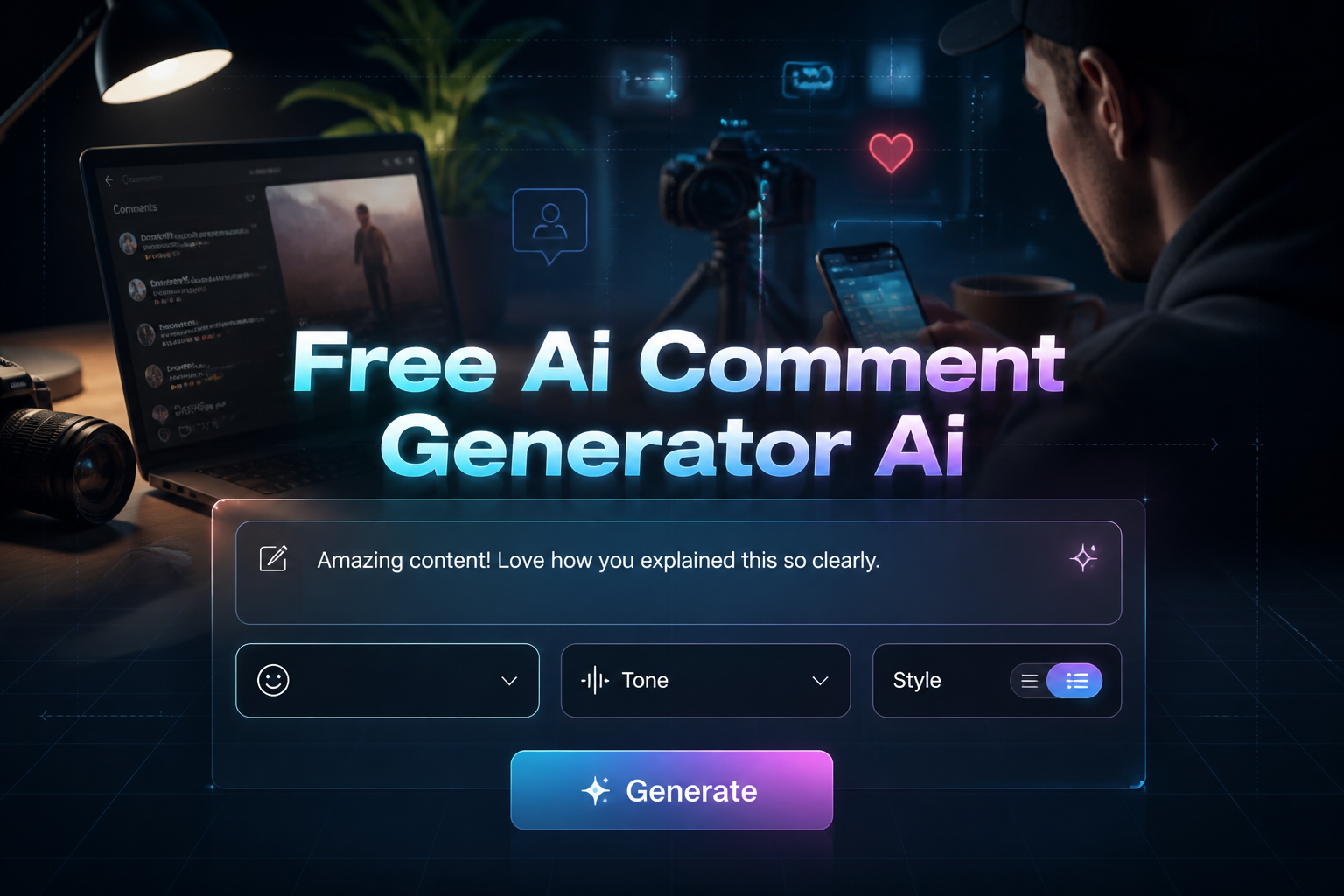
Quickly write social media comments with AI. Choose your tone and platform to generate creative replies instantly.
Free AI Comment Generator AI
Quickly write social media comments with AI. Choose your tone and platform to generate creative replies instantly.
💬 Comment Writing Tips
- • Be relevant: Make sure your comment relates to the post content
- • Add value: Share insights, ask questions, or provide helpful information
- • Stay authentic: Use your natural voice and personality
- • Be respectful: Keep comments positive and constructive
- • Engage meaningfully: Encourage conversation and interaction
What is an AI Comment Generator
An AI comment generator is a tool that creates social media comments automatically using artificial intelligence. Our free AI comment generator helps you write engaging comments for Instagram, YouTube, TikTok, LinkedIn, Facebook, and Twitter. Instead of spending time thinking of what to write, you get multiple comment options in seconds.
This tool uses AI to understand different social media platforms and comment styles. It creates comments that sound natural and match the platform you are using. The AI considers your chosen tone, the content you are commenting on, and the platform rules to generate comments that get more likes and replies. For TikTok-specific comments with vibe options like Gen Z Slang, Funny, and Hype/Fire, try the dedicated TikTok comment generator.
How to Use the AI Comment Generator
1. Choose your platform
Select Instagram, YouTube, TikTok, LinkedIn, Facebook, Twitter, or Custom to get comments that work best for that platform.
2. Pick your comment style
Choose from Funny, Supportive, Professional, Curious, Friendly, or Sarcastic to match your personality.
3. Describe the content
Tell the AI what the post is about so it can create relevant comments that make sense.
4. Set your preferences
Add keywords you want to include, choose comment length, and decide if you want emojis.
5. Generate comments
Click the generate button to get 4-6 different comment options, then copy the ones you like best.
Best AI Comments for Different Platforms
• Instagram Comments
Use visual and trendy language that celebrates creativity. Instagram users like comments with emojis and positive energy.
Examples: "This is so beautiful!", "Love your style!", "Goals right here!"
• YouTube Comments
Write thoughtful comments that show you watched the video. Ask questions or share your thoughts about the content.
Examples: "Great explanation at 2:30!", "Can you make a video about...?", "This helped me so much!"
• TikTok Comments
Keep comments short and fun. Use trending words and phrases that match the fast-paced TikTok culture.
Examples: "This is it!", "Not me doing this too", "The way I screamed!"
• LinkedIn Comments
Write professional comments that add value to business discussions. Share your experience or ask thoughtful questions.
Examples: "Great insights on this topic", "I've seen similar results in my industry", "What's your take on...?"
• Facebook Comments
Use friendly and conversational tone. Facebook users like comments that build community and encourage discussion.
Examples: "Thanks for sharing this!", "I can relate to this", "My family loves this too!"
• Twitter Comments
Keep comments short and witty. Twitter users like quick, clever responses that add to the conversation.
Examples: "This!", "Exactly what I needed to hear", "Thread saved!"
Different Comment Styles You Can Generate
• Funny Style
Creates humorous comments that make people laugh. Good for entertainment posts, memes, and fun content. Thoughtful comments boost engagement, but original posts build your brand — create scroll-stopping content with our LinkedIn Post Generator.
• Supportive Style
Makes encouraging comments that lift people up. Perfect for personal achievements, challenges, and motivational posts.
• Professional Style
Writes business-appropriate comments for work-related content. Best for LinkedIn, industry posts, and career discussions.
• Curious Style
Asks thoughtful questions that start conversations. Great for educational content, tutorials, and learning posts.
• Friendly Style
Creates warm and approachable comments that build connections. Works well for lifestyle content and personal stories.
• Sarcastic Style
Makes witty and clever comments with humor. Good for commentary content, trends, and pop culture posts.
How to Write Good Social Media Comments
• Be relevant to the content
Make sure your comment relates to what the post is about. Generic comments like "nice post" get ignored.
• Ask questions to start conversations
Comments with questions get more replies. Ask about the topic or the person's experience.
• Comment early for more visibility
Comments posted soon after a post goes live get more likes and replies than late comments.
• Be authentic and genuine
Real, personal comments build better relationships than fake or copied comments.
• Match the platform style
Use professional language on LinkedIn, casual language on Instagram, and short phrases on Twitter.
Common Comment Mistakes to Avoid
• Generic responses
Comments like "nice post" or "great content" look fake and get ignored. Be specific about what you liked.
• Self-promotion
Do not use comments to promote your own content or business. Focus on adding value to the conversation first.
• Controversial topics
Avoid starting arguments or discussing sensitive topics that can damage your reputation.
• Comments that are too long
Most people will not read very long comments. Keep your comments short and focused on the main point.
• Irrelevant comments
Always make sure your comment relates to the post content. Random comments add no value to the discussion.
Frequently Asked Questions
How does the AI comment generator work?
The AI reads your platform choice, comment style, and content description to create relevant comments. It uses artificial intelligence to match the tone and style of each social media platform.
Can I use the generated comments directly?
Yes, you can copy and paste the generated comments directly. You can also edit them to make them more personal or add your own touch.
Should I use emojis in my comments?
It depends on the platform. Emojis work well on Instagram, Facebook, and TikTok. Use fewer emojis on LinkedIn and Twitter to keep a professional tone.
How many comments should I generate at once?
The tool generates 4-6 comments per request. This gives you multiple options to choose from and find the one that fits best.
Is this AI comment generator free to use?
Yes, this AI comment generator is completely free. You can generate as many comments as you need without paying anything.
Can commenting help me get more followers?
Yes, good comments can help you get more followers. When you write thoughtful comments, people check your profile and may follow you if they like your content.
Writing good social media comments is important for building connections and growing your online presence. Our free AI comment generator helps you create engaging comments that get more likes and replies. Whether you need professional comments for LinkedIn or fun comments for Instagram, this tool saves you time and helps you engage better with your audience.
You can also create other social media content with our tools. Try our Facebook Post Generator to create engaging posts, or use our LinkedIn Post Generator to write professional content that gets more engagement.
Generate engaging social media comments in seconds with our free AI tool!
