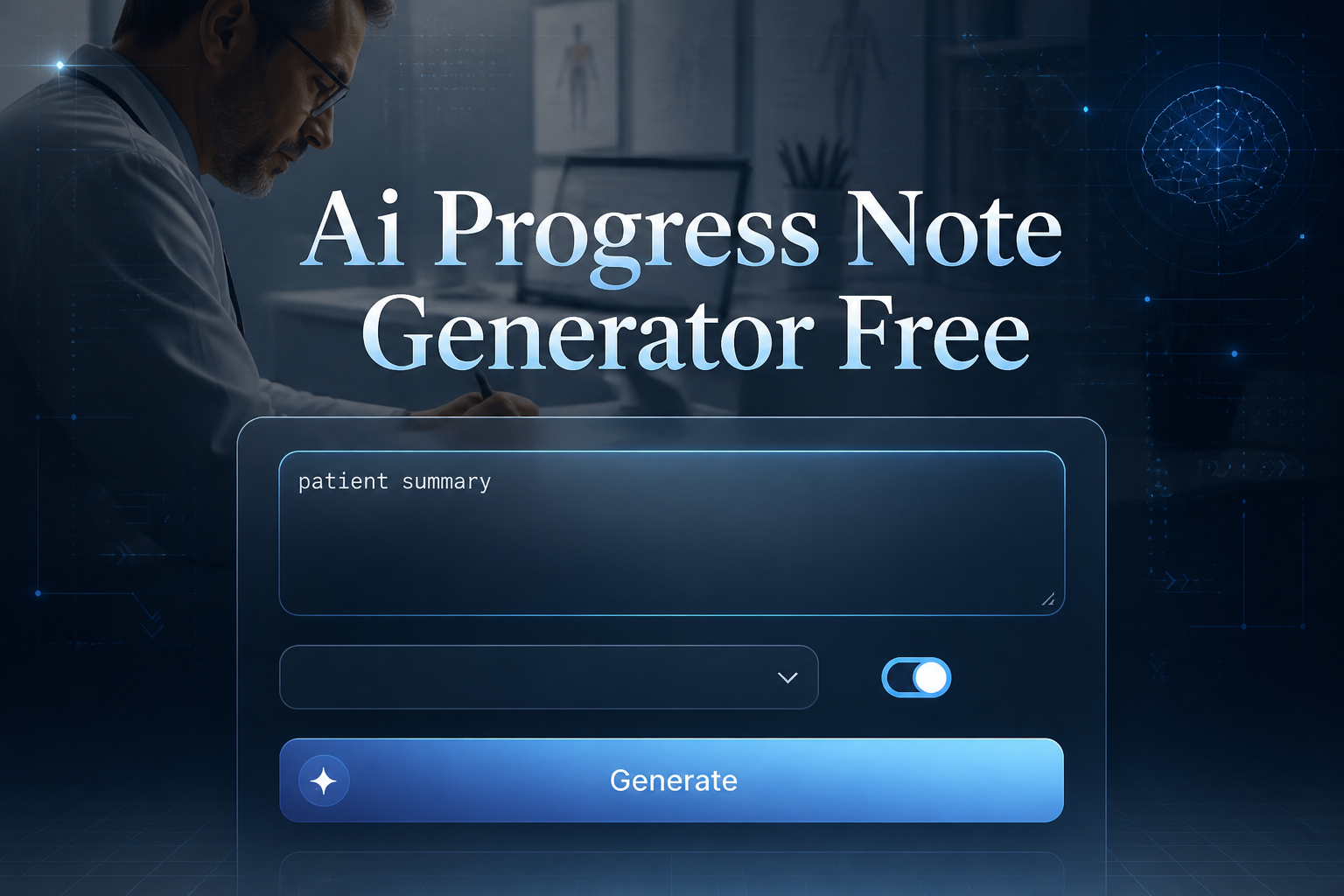
Generate professional progress notes in seconds with AI. No login required. Ideal for therapy, coaching, case management, and educational documentation.
AIfreeforever's progress note generator creates professional documentation for therapy sessions, counseling appointments, coaching meetings, and educational support sessions. This tool helps healthcare professionals, therapists, counselors, and case managers save time while maintaining proper documentation standards.
The generator understands clinical documentation requirements and creates notes that follow standard formats like SOAP, DAP, BIRP, and narrative styles. You can customize the session type, note format, and include specific details about interventions, observations, and progress toward goals to create comprehensive professional documentation.
Use initials only. Never type a client's name or any detail that could identify them.
Progress notes are professional documents that record important information about client sessions, including what happened during the meeting, observations about the client, interventions used, and plans for future sessions.
Progress notes follow specific formats and structures that meet professional and legal requirements for healthcare, therapy, and counseling documentation.
These notes document what happened during client sessions, including presenting issues, topics discussed, interventions used, and client responses to treatment.
Progress notes help healthcare teams communicate about client care, track treatment progress, and ensure continuity of care between different providers.
Proper documentation protects both clients and professionals by providing accurate records of care provided and decisions made during treatment.
Progress notes help track client progress toward goals, identify what interventions work best, and plan future treatment approaches based on documented outcomes.
Follow these steps to generate professional progress notes that meet documentation standards and include all necessary information about your client sessions and treatment activities.
Add optional client initials, session number, and duration in the settings card for personalized documentation that helps identify the specific session and client. Use initials only, never a full name.
Choose from therapy, counseling, coaching, case management, education, or assessment sessions to ensure the note format matches your professional context.
Select SOAP, DAP, BIRP, narrative, or custom format based on your organization requirements and the type of documentation standards you need to follow.
Type a summary of presenting issues, topics covered, or main focus areas from the session in the chat box so the AI can create relevant and accurate documentation.
Include interventions used, observations made, progress toward goals, and next steps planned in the optional boxes to create comprehensive documentation of the session.
Get your professional note and review it for accuracy before copying it or turning it into a Word document. Fill in anything marked [to add], and always check that the generated content matches your professional standards.

The progress note generator supports different professional documentation formats that are commonly used in healthcare, therapy, counseling, and educational settings to meet various organizational and regulatory requirements. Pair progress notes with clear AI SMART Goal Generator to give stakeholders a structured view of performance.
Subjective, Objective, Assessment, Plan structure used in medical, therapy, and comprehensive documentation settings. This format separates client reports from professional observations and clinical assessments.
Data, Assessment, Plan structure commonly used in mental health, counseling, and social work settings. This format focuses on factual information, professional analysis, and future planning.
Behavior, Intervention, Response, Plan structure used for behavioral interventions and skills training sessions. This format emphasizes specific behaviors and intervention outcomes.
Chronological story format used in educational settings and case management. This format tells the session story in a natural, flowing narrative structure.
Flexible professional format that can be adapted to meet organization-specific requirements and documentation standards that do not fit standard formats.
This tool works for healthcare professionals, therapists, counselors, and other service providers who need to create professional documentation for client sessions while maintaining proper clinical and legal standards.
Individual or group therapy documentation with focus on therapeutic interventions, mental health treatment, and clinical progress tracking. You can also use our study notes generator for educational materials.
General counseling documentation for support sessions, crisis intervention, and guidance-focused meetings with clients who need professional support services.
Life coaching and performance coaching documentation focused on goal achievement, skill development, and personal growth tracking for clients.
Case management and social work documentation for service coordination, resource planning, and client advocacy in community and healthcare settings.
Educational and tutoring session documentation for academic support, learning assistance, and skill-building activities with students and learners.
Initial assessment and evaluation documentation for baseline information gathering and treatment planning. Try our professional memo generator for administrative documentation.
Effective progress notes depend on including complete session information, using objective language, and following professional documentation standards that meet legal and clinical requirements for your field. Explore our AI Meeting Agenda Generator for more specialized results.
Here is a SOAP note the generator wrote from three short sentences about a session. The client is named by initials only, and every detail the session summary did not give is marked [to add], so nothing is made up.
The tool supports SOAP, DAP, BIRP, narrative, and custom formats to meet different organizational requirements and professional documentation standards.
Good progress notes include objective observations, specific interventions used, client responses, progress toward goals, and clear next steps. Be factual, avoid personal opinions, and follow your organization's documentation standards.
Yes, AI progress note generators can create professional documentation based on your session details, chosen format, and specific information. They help save time while maintaining clinical documentation standards.
SOAP stands for Subjective, Objective, Assessment, and Plan. This format separates client reports from professional observations and includes clinical assessment and future treatment planning.
No. This free tool is not a HIPAA-compliant system. To write the note, your session details are sent to an AI model, so never enter names, dates of birth, addresses or other identifying details: use initials only. You are responsible for ensuring your use complies with HIPAA and other applicable regulations.
Include presenting concerns, main topics discussed, therapeutic interventions used, client responses, progress toward treatment goals, and plans for future sessions while maintaining objectivity.
AI-generated notes should be thoroughly reviewed and edited by qualified professionals before inclusion in official records. They serve as drafts to assist with documentation, not final clinical documents.
Yes, the AI progress note generator is completely free with no registration required, no credit card needed, and no hidden fees.
No. Use initials only, and leave out names, dates of birth, addresses, phone numbers and anything else that could identify the client. The note uses the initials you give, or "the client", and never writes a name.
No. The note is written only from the details you give. Anything a section needs that you did not give is marked [to add], so you can fill it in from your own records. It never adds a diagnosis, a medication or a quote you did not give.
Yes. Press Make it a Word document under the note, and the same note opens as a Word document you can edit and download, with its section headings kept.
Pick the session type and the note format, describe the session with initials only, and get a clear draft to review, free and with no signup.
Tell us if this AI content is offensive, harmful or wrong. We review every report and use it to improve our filters.