Newsletter Generator
Generate complete, customized newsletters with AI. Choose tone, audience, frequency, and key updates for professional-quality drafts.
AI Newsletter Generator
Generate complete, customized newsletters with AI. Choose tone, audience, frequency, and key updates for professional-quality drafts.
Free AI Newsletter Generator
AIfreeforever's AI newsletter generator helps you create professional newsletters for customers, team members, subscribers, and investors. This tool generates complete newsletters with proper structure, compelling content, and consistent tone that matches your brand voice.
The generator understands different audience types and creates newsletters that keep your readers informed, engaged, and connected to your organization. You can use these newsletters for business updates, marketing campaigns, internal communications, and investor relations.
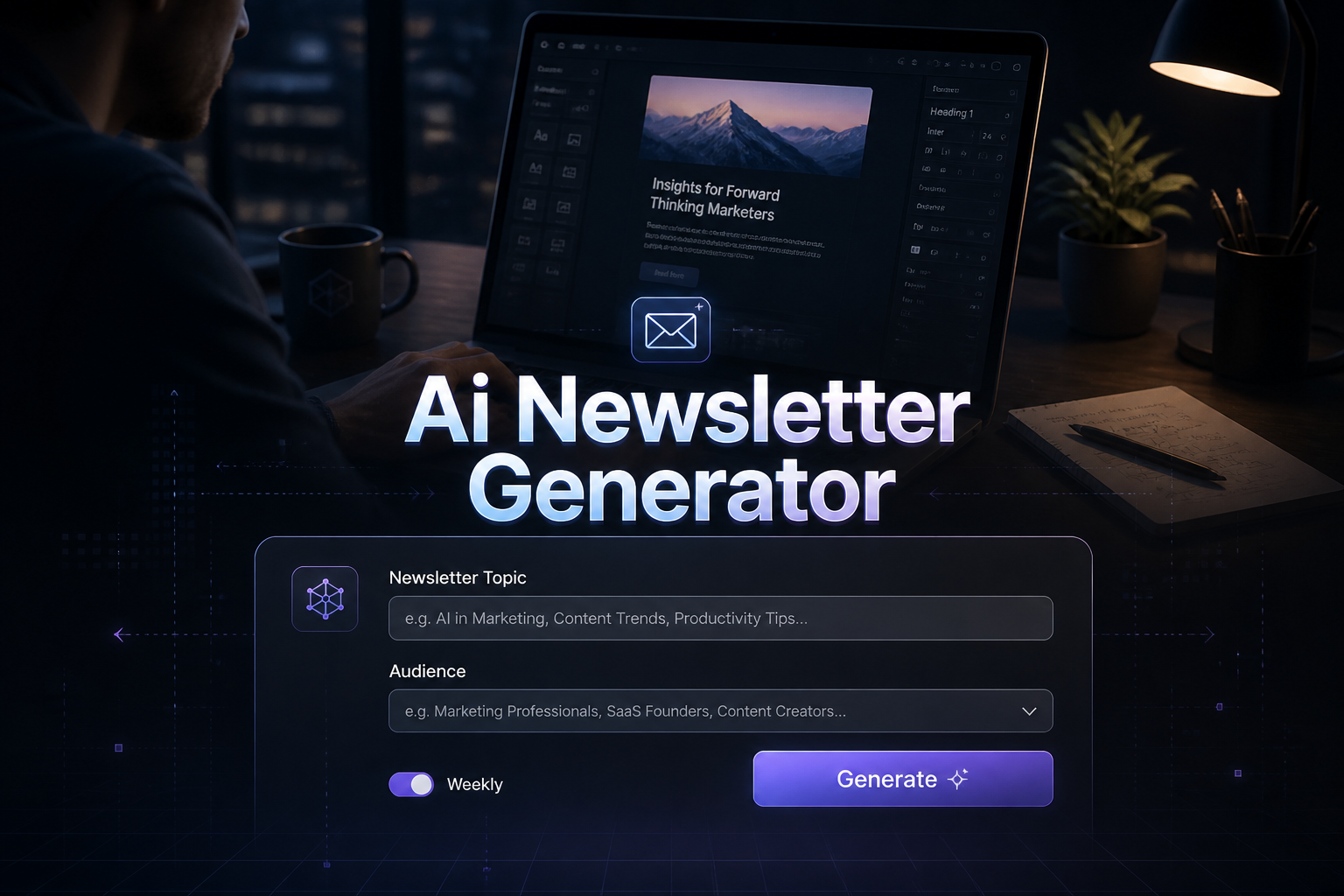
What is a Newsletter Generator
A newsletter generator is an AI tool that creates customized newsletters based on your topic, audience, tone, and frequency. It helps you produce professional email newsletters without spending hours writing and formatting content.
• Audience-Specific Content
Creates newsletters tailored for different audiences like customers, internal teams, subscribers, or investors with appropriate tone and content style.
• Professional Structure
Generates newsletters with proper formatting including compelling subject lines, personalized greetings, clear sections, and professional sign-offs.
• Multiple Tone Options
Adapts writing style from professional and formal for investors to friendly and casual for customers based on your communication needs.
• Frequency Optimization
Adjusts content length and structure based on whether you send daily, weekly, or monthly newsletters for optimal reader engagement.
How to Use AI Newsletter Generator
Using the AI newsletter generator is simple and helps you create professional newsletters quickly. The tool takes your preferences and creates complete newsletters with proper structure and engaging content.
1. Enter Your Newsletter Topic
Start by entering the main focus of your newsletter, such as "Monthly company updates," "Weekly fitness tips," or "Quarterly investor briefing." This helps the AI understand the core content to generate.
2. Select Your Target Audience
Choose from Customers, Internal Team, Subscribers, Investors, or Niche Audience to tailor the content and tone to the specific group you are addressing.
3. Choose Your Preferred Tone
Select from Professional, Friendly, Promotional, Educational, or Casual to match your brand voice and the expectations of your audience.
4. Set the Frequency
Indicate whether this is a Daily, Weekly, or Monthly newsletter to help the AI structure the content appropriately for the time frame.
5. Add Optional Details
Include specific updates, calls to action, links, and sender information to personalize your newsletter and make it more relevant to your audience.
6. Generate and Refine
Click "Generate Newsletter" to create your draft, then use the preview mode to see how it will look to recipients. You can copy, download, or regenerate as needed.
Types of Newsletters You Can Create
The generator creates different types of newsletters for various purposes and audiences. Each newsletter type is designed to match specific communication needs and business goals. Grow your list by promoting your newsletter with our Social Media Post Generator for engaging social content.
• Customer Newsletters
Marketing-focused newsletters that promote products, share company news, and build customer relationships with promotional offers and updates.
• Internal Team Newsletters
Company communication newsletters that share department updates, employee achievements, upcoming events, and important organizational information.
• Subscriber Newsletters
Content-focused newsletters that provide valuable information, industry insights, educational content, and thought leadership for engaged subscribers.
• Investor Newsletters
Professional financial newsletters that communicate business performance, strategic initiatives, financial metrics, and company outlook to stakeholders.
• Niche Audience Newsletters
Specialized newsletters for specific communities, industries, or interest groups with targeted content and appropriate tone for the audience.
Who Can Use AI Newsletter Generator
This generator works for anyone who needs to create professional newsletters for business or personal communication. The tool helps you produce engaging content for different audiences and purposes.
• Business Owners and Entrepreneurs
People who need to communicate with customers, investors, and team members through regular newsletters but lack time or writing skills. You can also use our business name generator for branding.
• Marketing Professionals
Marketing teams who need to create customer newsletters, promotional campaigns, and subscriber communications that drive engagement and conversions.
• Content Creators and Bloggers
Writers and content creators who want to maintain regular communication with their audience through newsletters that share insights, updates, and valuable content. Try our email writer generator for other communications.
• HR and Internal Communications
Human resources professionals and managers who need to create internal newsletters for employee communication, company updates, and team engagement.
• Non-Profit Organizations
Non-profit organizations that need to communicate with donors, volunteers, and supporters through regular newsletters about programs, achievements, and fundraising.
• Startup Founders
Startup founders who need to keep investors, customers, and team members informed about company progress, milestones, and strategic developments.
Tips for Creating Effective Newsletters
Creating successful newsletters requires understanding your audience and following best practices for email communication. Consider these important factors when generating and sending newsletters.
• Know Your Audience
Understand who you are writing for and what matters to them. Different audiences have different interests, needs, and preferences for tone and content style.
• Maintain Consistency
Establish a regular schedule and stick to it. Whether daily, weekly, or monthly, consistency builds anticipation and trust with your readers.
• Focus on Value
Each newsletter should provide genuine value to your readers, whether that is useful information, exclusive offers, or meaningful updates about your organization.
• Use Clear Subject Lines
Write compelling subject lines that create curiosity or clearly state the value inside. Good subject lines increase open rates and engagement.
• Keep It Scannable
Use clear headings, bullet points, and short paragraphs to make your newsletter easy to read quickly. Most people scan newsletters rather than read every word.
• Include Clear Calls to Action
Tell readers what you want them to do next, whether that is visiting your website, registering for an event, or responding to a survey.
Best Practices for Newsletter Writing
Following newsletter best practices helps you create content that readers actually want to open and engage with. These guidelines work for all types of newsletters and audiences.
• Write Compelling Subject Lines
Create subject lines that make people want to open your newsletter. Use curiosity, urgency, or clear value propositions to increase open rates.
• Keep Content Scannable
Use headings, bullet points, and short paragraphs to make your newsletter easy to scan. Most readers will skim rather than read every word.
• Optimize for Mobile
Most people read emails on mobile devices. Use single-column layouts, large fonts, and touch-friendly buttons for better mobile experience.
• Include Clear Call-to-Actions
Tell readers exactly what you want them to do next. Use action words and make buttons or links easy to find and click.
• Test and Measure Performance
Track open rates, click rates, and engagement metrics to understand what works best for your audience and improve future newsletters.
Frequently Asked Questions
How often should I send newsletters?
The ideal frequency depends on your audience and content type. Weekly newsletters work well for regular engagement, while monthly newsletters are good for comprehensive updates. The key is consistency and providing value to your audience.
What is the ideal length for a newsletter?
Most newsletters should be readable in 5-7 minutes, which is approximately 300-700 words. Focus on quality over quantity and use clear headings to make longer newsletters more digestible.
How can I improve newsletter open rates?
Write compelling subject lines that create curiosity or clearly state the value inside. Send at optimal times, maintain a clean email list, and consistently deliver valuable content that meets expectations.
Can I use AI to generate newsletter content?
Yes, AI newsletter generators can create professional content tailored to your audience and purpose. They save time while maintaining quality and consistency in your communications.
What should I include in a business newsletter?
Include company updates, product announcements, industry insights, employee spotlights, upcoming events, and clear calls to action that encourage reader engagement.
How do I format newsletters for mobile devices?
Use single-column layouts, large fonts, short paragraphs, and touch-friendly buttons. Most people read emails on mobile devices, so mobile optimization is essential.
Is the newsletter generator free to use?
Yes, the AI newsletter generator is completely free with no registration required, no credit card needed, and no hidden fees or usage limitations.
What makes a good newsletter subject line?
Good subject lines are clear, specific, create curiosity, or promise value. They should be under 50 characters and accurately reflect the newsletter content to build trust.